Expense tracker for iPhoneWhere does your money go?
No bank login, no account: log an expense in under 10 seconds and confirm Apple Pay payments with one tap. Your data lives in your own iCloud.
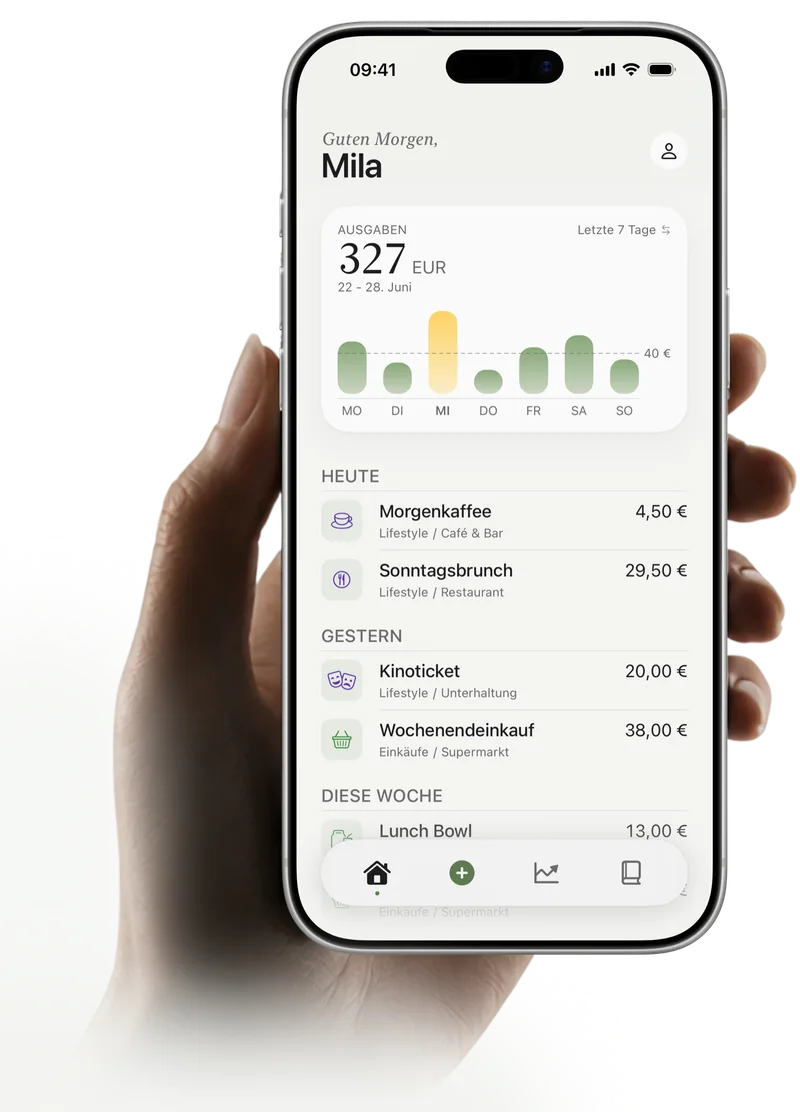
Not your typical budget book
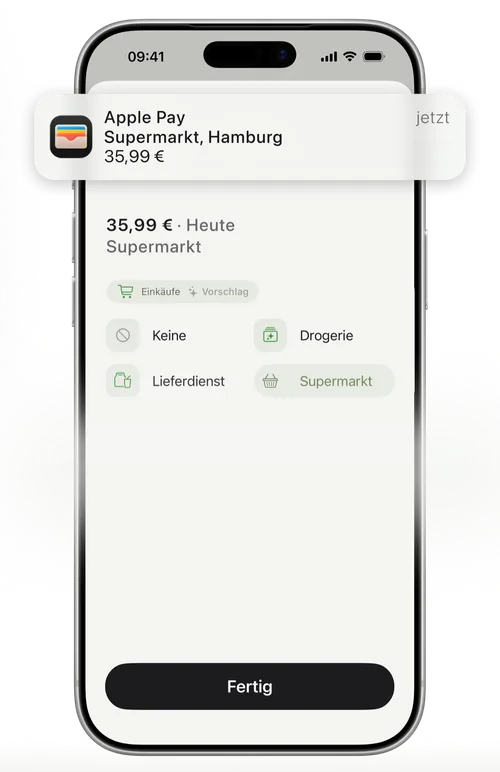
Tap to Track
Paying with Apple Pay? After a one-time setup in the Shortcuts app, every payment lands in Kirum automatically. All you do is confirm it with one tap.
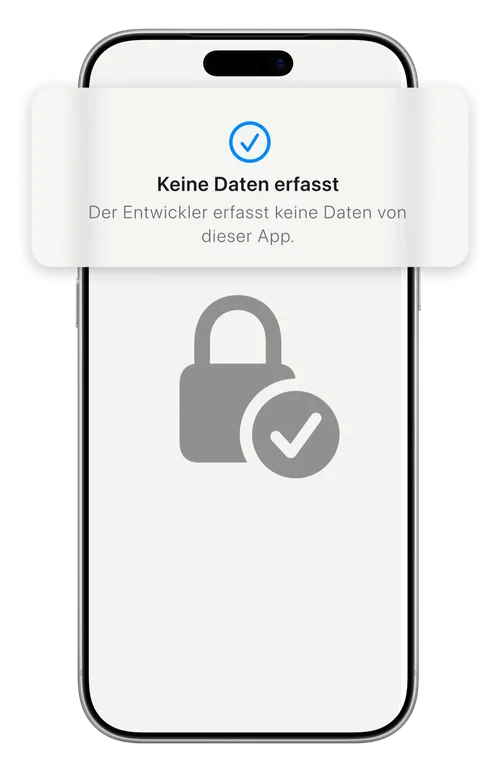
Private from day one
No bank connection, no login. Your financial data lives on your iPhone and in your own iCloud – we never see it. Logging works offline too.
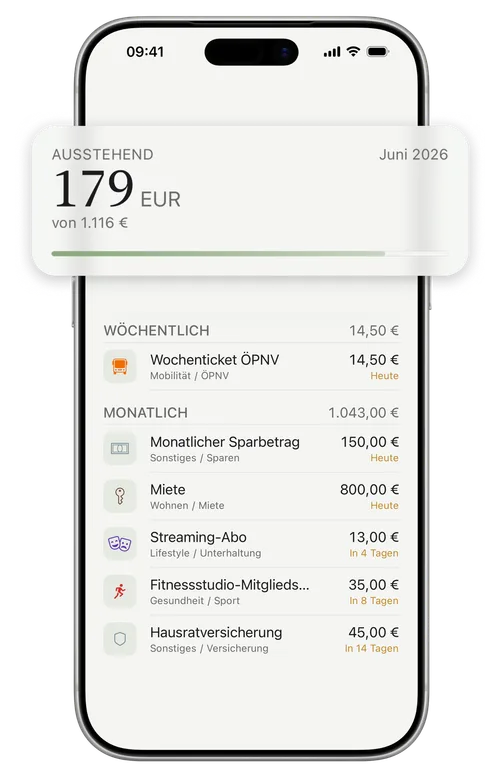
No more surprises
Kirum keeps an eye on your recurring costs. You always know what’s still going to be charged.
Money tracking, minus the busywork
Kirum helps you log your expenses quickly and effortlessly – no long forms.
What users say
4.5 out of 5 stars from 16 ratings on the German App Store (as of October 2026)
A great app!
“Enter all your fixed costs and your salary once, and you always see how much money you still have. What I like most is that you can see how much you can still spend until your next paycheck.”
DanfernauGermany · App Store review, 5 stars · Translated from German Thrilled!
“A great, very clear app for tracking my expenses. I was looking for exactly this: a way to keep track of my spending without having to hand over my bank details.”
TS1996CGermany · App Store review, 5 stars · Translated from German Best budget book
“Kirum combines […] privacy, a really nice design and a direct connection to Apple Pay. Super happy and can only recommend it.”
HauptgewynGermany · App Store review, 5 stars · Translated from German
A selection of reviews from the App Store. Only people who downloaded Kirum from the App Store can review it there. We don't run any checks of our own.
Kirum vs. apps that link your bank
Many finance apps read your transactions straight from your bank account. Kirum takes a different route.
Apps that link your bank
- Access to your accountThe app reads your transactions straight from your bank.
- Sign-up and bank loginYou create an account with the provider and enter your banking credentials.
- Data with the providerYour transactions are stored on the provider’s servers.
- Linked accounts onlyCash and unlinked cards don’t show up on their own.
 Kirum
Kirum
- No bank accessKirum never connects to your bank.
- No account, no emailDownload, open, start.
- Your data, your iCloudEverything lives on your iPhone and in your own iCloud. We see none of it.
- Everything in one placeLog cash quickly by hand; after a one-time setup, you confirm Apple Pay payments with one tap.
Start free. Go Premium when you want.
Free plan
Free
No sign-up, no payment details
- Unlimited expenses and income
- Custom categories and subcategories
- Log Apple Pay payments via Shortcuts
- See what’s left until your next paycheck
- Up to 3 recurring expenses
- 69 currencies, iCloud sync, app lock
Lifetime or monthly
Pay once
or monthly – your local price is in the App Store
Lifetime means you pay once – no subscription.
Everything in Free, plus:
- Unlimited recurring expenses for fixed costs and subscriptions
- Detailed insights by subcategory and custom date range
- Import from CSV files, for example from other apps
Frequently asked questions
Everything you need to know about Kirum.